Aesthetic Bio Maker 3.6K + 3.6K/mo searches/mo
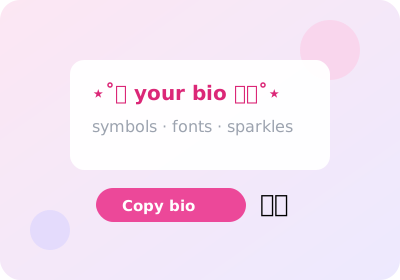
Build a bio people screenshot. Pick a ready-made template, swap in your name with the font you like, add symbols — tap Copy and paste into Instagram.
Browse templatesBio templates
Bio builder — mix your own
How to make an aesthetic bio
A good bio has three layers: a name line in a display font, a quiet details line, and symbols for rhythm. Start from a template above, then personalize: swap the name in the builder below, try fonts like Script or Fullwidth, add a sparkle or heart.
Keep it short — Instagram cuts bios after roughly 150 characters. The best bios breathe: one idea per line, blank line between.
From template to your own
The builder below mixes decorations, your name and an ending flourish live. When the preview looks right, tap Copy — Instagram accepts the result as normal text, fonts and symbols included.
How do I add line breaks in my IG bio?
Type the bio in your phone notes with the line breaks, then paste into Instagram — the breaks survive the paste.
Can I use these symbols in my IG name?
Yes, the display name accepts symbols and fancy fonts; keep the @username plain.